

- For org-wide rules: on the platform, open Assistant > Manage > Org Playbook, click Edit the org playbook, paste in the recipe, adapt the placeholders, and Save.
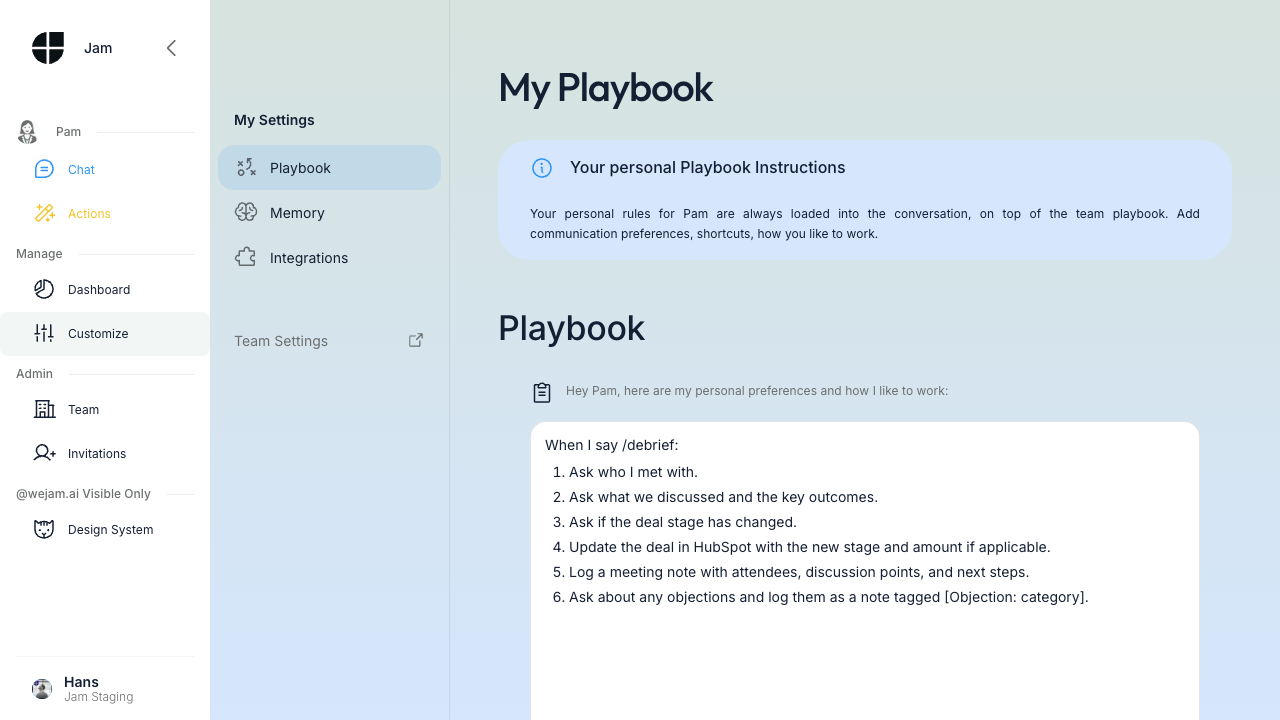
- For personal shortcuts: in the Assistant app, open My Settings > Playbook, click Edit, paste in the recipe, adapt the placeholders, and Save.
For Sales Leaders: Steering Your Team
CRM Hygiene Without the Nagging
The classic problem: mandatory fields get filled with garbage, optional fields get skipped entirely. Jam Assistant turns data entry into conversation. Team instruction example:Campaign Pushes and Product Launches
New feature? Pricing change? Partnership announcement? Update team instructions once, and every rep is briefed instantly - across web, voice, WhatsApp, and phone. Team instruction example:Process Enforcement
Team instruction example:Competitive Playbooks - That Actually Get Used
Sales enablement teams spend weeks building competitive battle cards. Nobody reads them. With Jam Assistant, the battle card is active: Team instruction example:For Sales Leaders: Collecting Strategic Intelligence
This is where Jam Assistant becomes a data collection engine that works at scale without anyone noticing they’re being surveyed.Objection Tracking
Team instruction example:Win/Loss Analysis
Team instruction example:Feature Demand Signals
Team instruction example:Market Intelligence
Team instruction example:For Individual Reps: Personal Skills
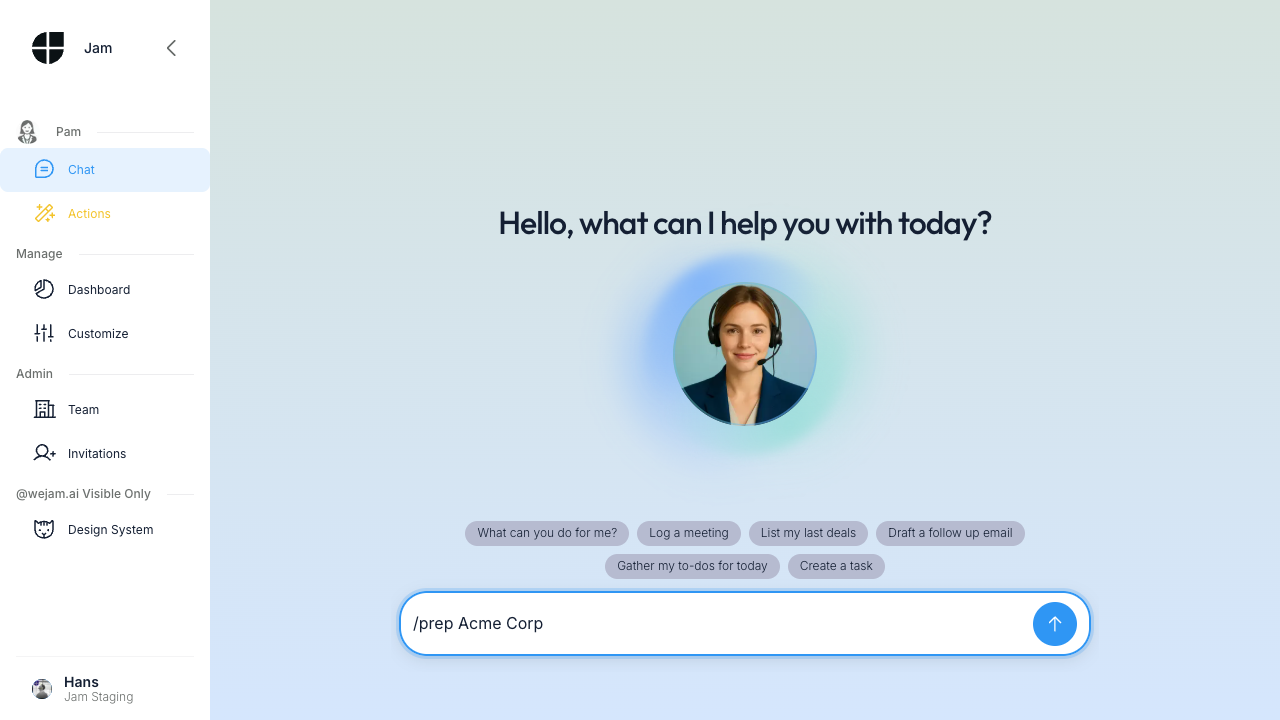
Define personal “slash commands” by writing them into My Settings in the Playbook. These work across all channels - type/prep in web chat or say “slash prep” on a voice call.
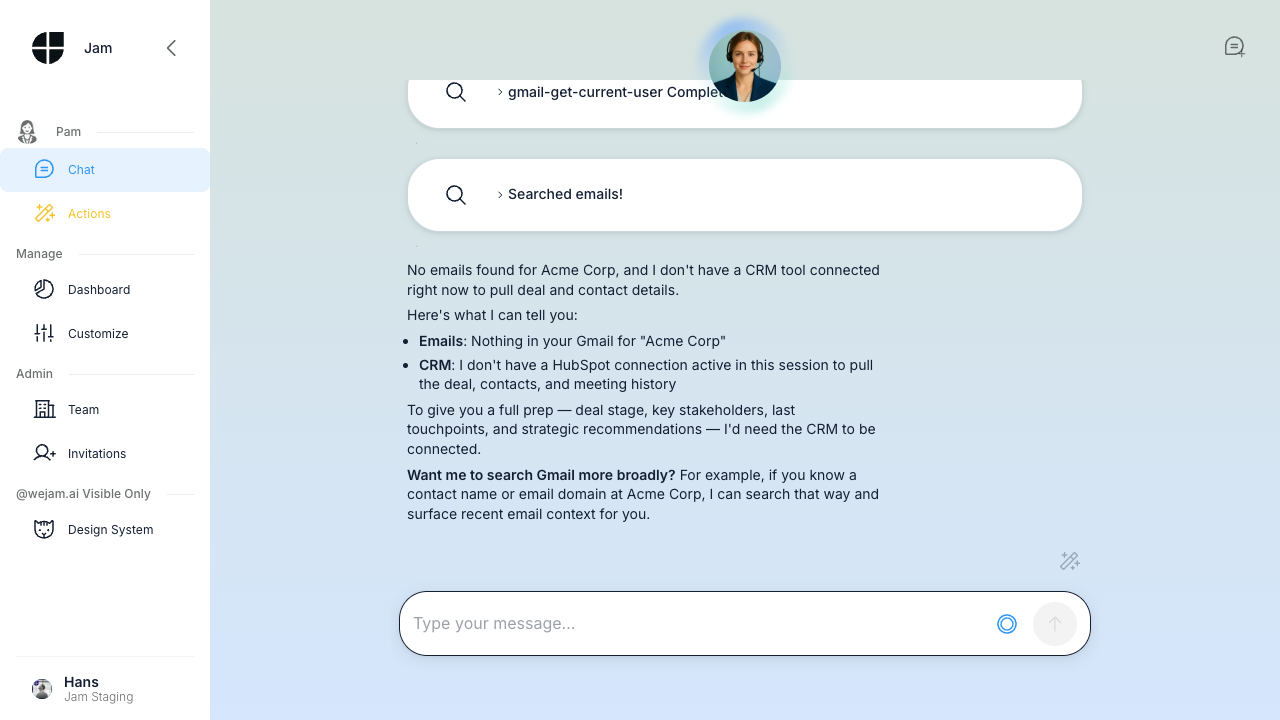
/prep - Meeting Preparation
/debrief - Post-Meeting CRM Update
/todo - Cross-System Task Aggregation
/0inbox - Email Triage
/pipeline - Deal Review
/weekly - Week Summary
/territory - Account Health Check
For Field Reps: On-the-Go Workflows
Voice Debrief After a Meeting
Walking to your car? Record a WhatsApp voice message:“Hey Jam Assistant, I just met with Sarah from TechStart. They’re interested in the enterprise plan, budget is around 80k, want to start Q2. Main concern is implementation timeline. Create a note and update the deal amount.”Jam Assistant transcribes, updates the CRM, and you’re done before you start the engine.
Pre-Meeting Lookup
Sitting in the lobby? Quick WhatsApp text:“What’s the latest on the Acme Corp deal?”Jam Assistant pulls up the account summary, recent notes, and open items in seconds.
End-of-Day Batch Update
Send a voice message summarizing your day:“Today I had three meetings. First was Acme - moved to negotiation, they want 10% discount. Second was TechStart - no show, reschedule for next week. Third was GlobalCo - new opportunity, 50k, create the deal in qualification stage.”
Tips for Defining Good Instructions
- Be specific - “After every call, ask about objections” beats “Collect feedback”
- Include the format - “Log as a note tagged [Objection: category]” ensures consistent, searchable data
- Give examples - Show Jam Assistant what “good” looks like
- Layer org + personal - Org-wide process in the Org Playbook, personal shortcuts in My Settings
- Iterate weekly - Review what’s working, refine what isn’t, remove what’s stale
- Think in campaigns - Team instructions can change weekly to match your sales rhythm